Building Automations Just Got Easier
You know you need automation. But the last time you tried to build a workflow, you spent three hours staring at a screen of confusing triggers, conditions, and wait steps.
One wrong setting, and the whole sequence breaks. It feels like you need an engineering degree just to send a follow-up email.
That friction is exactly why most small business owners give up on automation. But HighLevel just released an update that changes how you build workflows from the ground up.
Key Takeaways
- HighLevel rebuilt their Workflow AI Builder to understand plain-language instructions.
- You no longer need to configure every step manually. Describe what you want, and the AI builds it.
- The new streaming interface shows the system working in real-time, so you can see and correct mistakes immediately.
- Always review the AI-generated content (emails, texts) to ensure it sounds like you before turning the workflow on.
The Old Way vs. The New Way
If you have ever tried to build a workflow inside HighLevel, you know the drill. Click "Add Trigger." Select the trigger type. Define the filters. Add an action. Configure the action. Test it. Break it. Fix it.
It is powerful. But it is not intuitive.
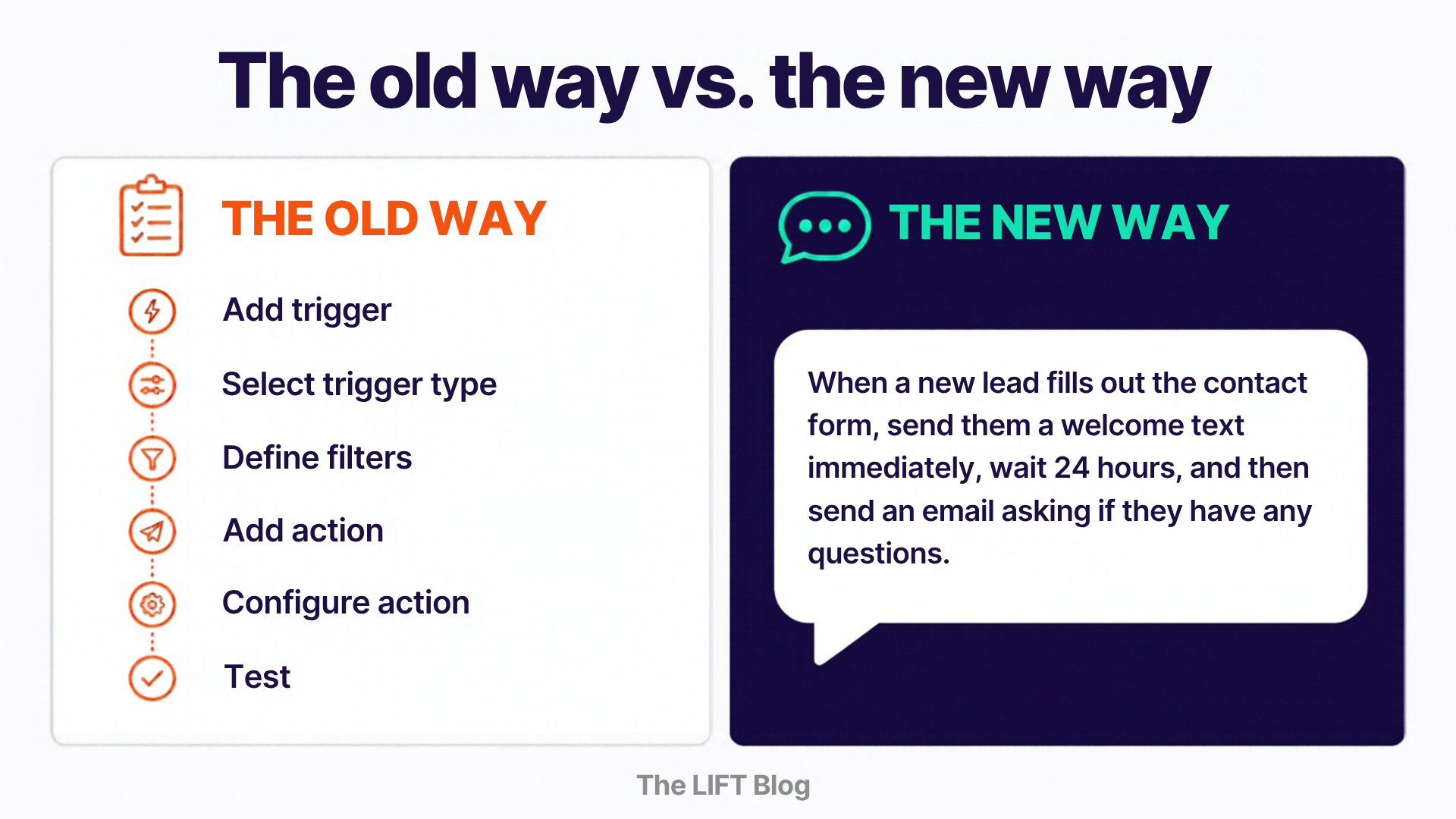
The May 2026 update to the Workflow AI Builder flips this process. Instead of configuring every step by hand, you describe what you want in plain language.
You type: "When a new lead fills out the contact form, send them a welcome text immediately, wait 24 hours, and then send an email asking if they have any questions."
The AI builds the entire sequence. It selects the trigger, adds the actions, and sets the wait steps. Done.
The harder it is to build a system, the fewer systems get built. This update removes a massive chunk of that friction.
You Can Watch It Work
One of the biggest complaints about AI tools is the black box problem. You give it an instruction, something happens, and you have no idea if it did what you actually wanted.
HighLevel solved this with a streaming interface. You can watch the AI build the workflow step by step, in real time.
You can see it adding the trigger, setting the delay, and drafting the message. If it makes a mistake, you catch it immediately. And with conversational memory, you just say "make that wait step 48 hours instead" and it updates without starting over.
Three Automations to Build First
Do not try to build a 50-step master sequence on your first attempt. Start with three automations that save the most time for the most businesses.
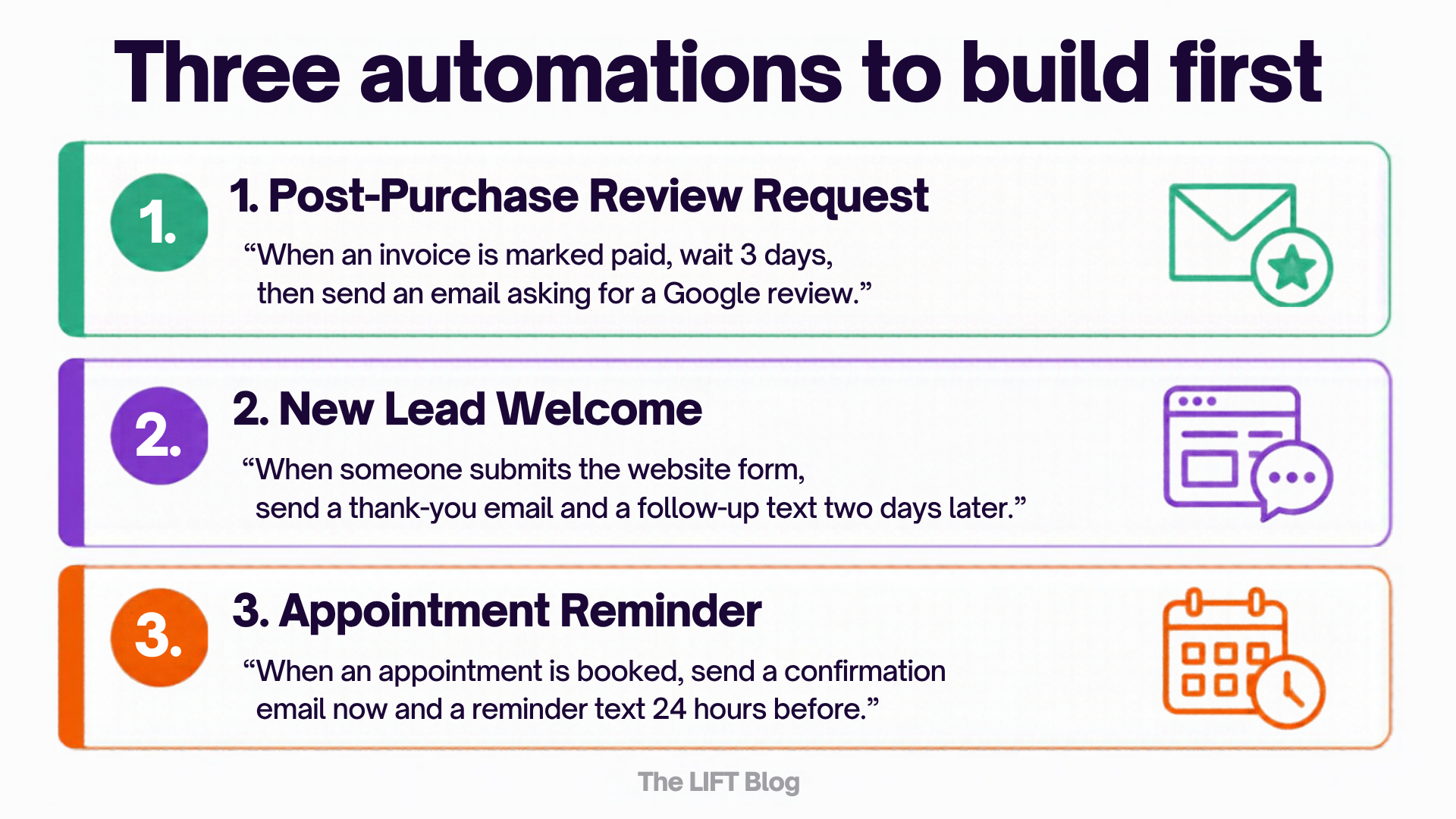
1. The Post-Purchase Review Request. Type: "When an invoice is marked paid, wait 3 days, then send an email asking for a Google review with a link to our profile." Getting reviews is critical, but remembering to ask is hard. Automate the ask.
2. The New Lead Welcome. Type: "When someone submits the website form, send an email thanking them and wait two days before sending a follow-up text." Simple. Consistent. Runs without you.
3. The Appointment Reminder. Type: "When an appointment is booked, send a confirmation email immediately, and a reminder text 24 hours before the meeting." No-shows drop. Professionalism goes up.
The Critical Final Step: Review Your Content
The AI will build the structure and draft the messages for you. But before you turn the workflow on, there is one non-negotiable step.
You must review the content.
Click into the email step. Click into the text message step. Read what the AI wrote. Does it sound like you? Is it using your business's actual tone? If the AI wrote "Greetings and salutations," but you normally say "Hey there," change it.
The AI is a builder, not a clone. It gets the structure right so you can spend your time polishing the voice.
Your Next Step
If you have been putting off building your digital infrastructure because it felt too complicated, that excuse is gone. Open a new workflow, click the AI Builder, and describe the simplest automation your business needs.
Start with the review request. It takes five minutes to build, and it starts working immediately to build your online reputation.
For more on how automation fits into a broader system, this post on building your first follow-up sequence walks through the exact messages to write once you have the workflow set up.
Want this already built for you? The LIFT Marketing System is a white-labeled version of HighLevel that comes pre-loaded with the workflows, pipelines, and templates your business needs to turn contacts into conversations. The review requests, the new lead welcomes, the appointment reminders—they are all already in there. You just turn them on.